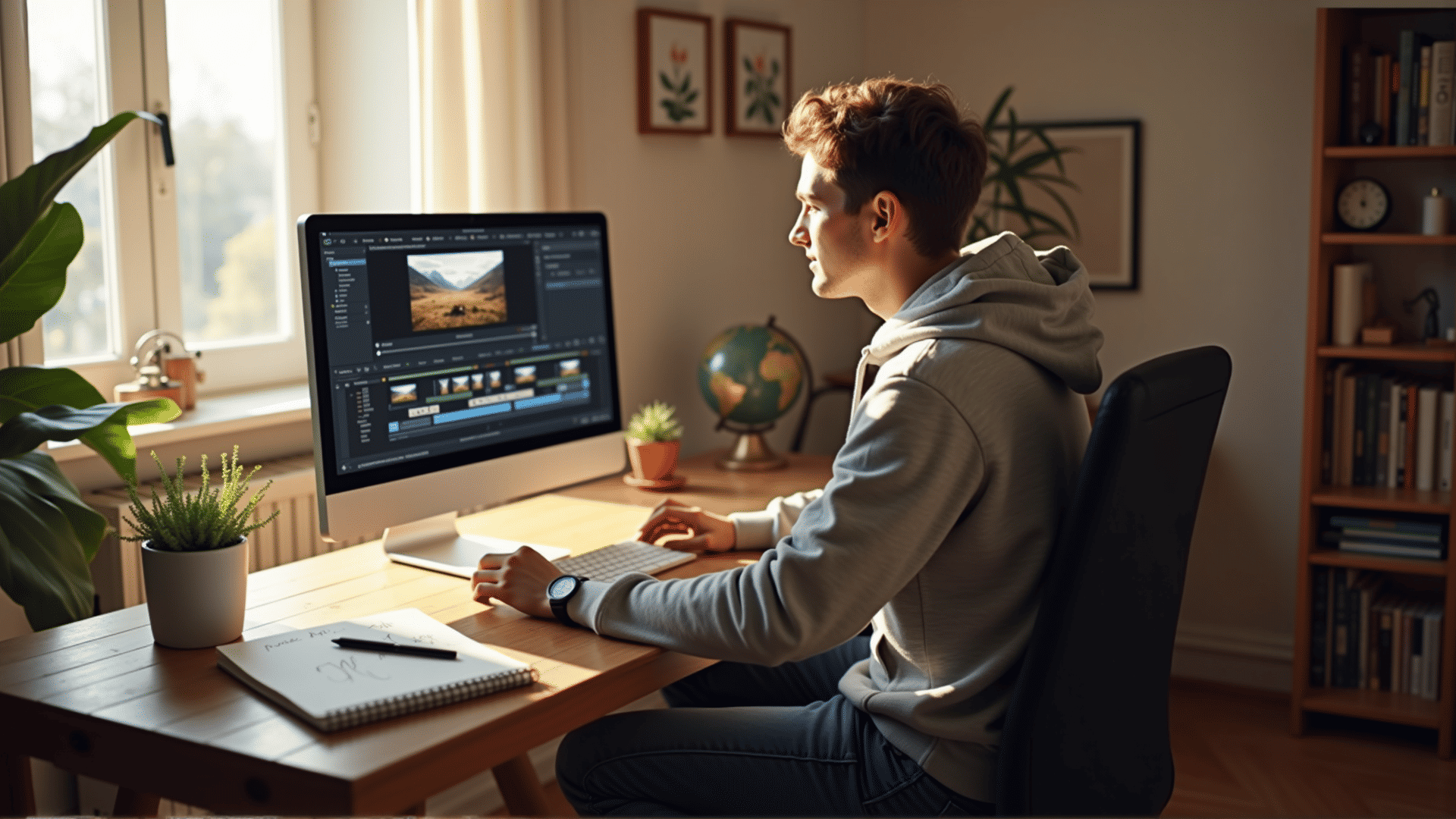
Embarking on the journey of video editing can be both exciting and daunting. This guide will introduce you to the essential concepts and techniques that form the foundation of this art form, empowering you to bring your creative visions to life.
Understanding the Basics
Video editing is the process of manipulating and rearranging video shots to create a new work. It involves various steps, including selecting footage, cutting and trimming clips, and enhancing the visual and auditory aspects to achieve a cohesive narrative.
Essential Software Tools
Choosing the right software is crucial for effective editing. Several beginner-friendly applications are available, each offering a range of features catering to different needs. Some popular options include non-linear editing systems that allow for greater flexibility and creative control. Experiment with a few to find one that suits your style and workflow.
Core Techniques
-
Cutting: This is the most fundamental task in editing. Learning how to trim and split clips efficiently helps in maintaining the flow and pacing of your video. Practice makes perfect, so don’t hesitate to experiment with different approaches.
-
Transitions: Transitions are used to smoothly segue from one scene to another. While cuts are often sufficient, sometimes a well-placed dissolve, wipe, or fade can enhance storytelling.
-
Audio Editing: Sound is as crucial as visual content. The integration of background music, sound effects, and voiceovers can significantly enhance the viewer’s experience. Ensure that audio levels are balanced to maintain clarity.
-
Color Correction: Adjusting colors can transform the mood of a video. Basic color correction involves tweaking brightness, contrast, saturation, and temperature to achieve a consistent and visually appealing look.
-
Titles and Graphics: Adding text and graphics can provide context, emphasize points, or enhance aesthetic appeal. Most software offers tools to create and animate text, enabling you to craft engaging introductions and credits.
Tips for Success
-
Plan Before You Edit: Having a clear vision and plan can save considerable time. Storyboards, shot lists, and scripts are valuable tools in this phase.
-
Stay Organized: Maintaining a well-organized library of your media files enables a smoother workflow. Use clearly labeled folders and consistent naming conventions.
-
Backup Your Work: Regularly save and backup your projects. Data loss can be devastating, so protect your efforts by using external storage solutions.
-
Keep Learning: Video editing is an ever-evolving field. Tutorials, online courses, and community forums can be excellent resources to enhance your skills and stay updated with the latest trends.
Developing Your Style
As you gain experience, you'll start to develop a unique style. Don’t be afraid to experiment and take creative risks. Every project offers an opportunity to learn something new and refine your technique.
Video editing is a powerful tool for storytelling, offering endless possibilities for creativity. By mastering these core concepts and techniques, you will be well on your way to producing compelling visual narratives. Embrace the journey, and enjoy the process of bringing your stories to life on screen.