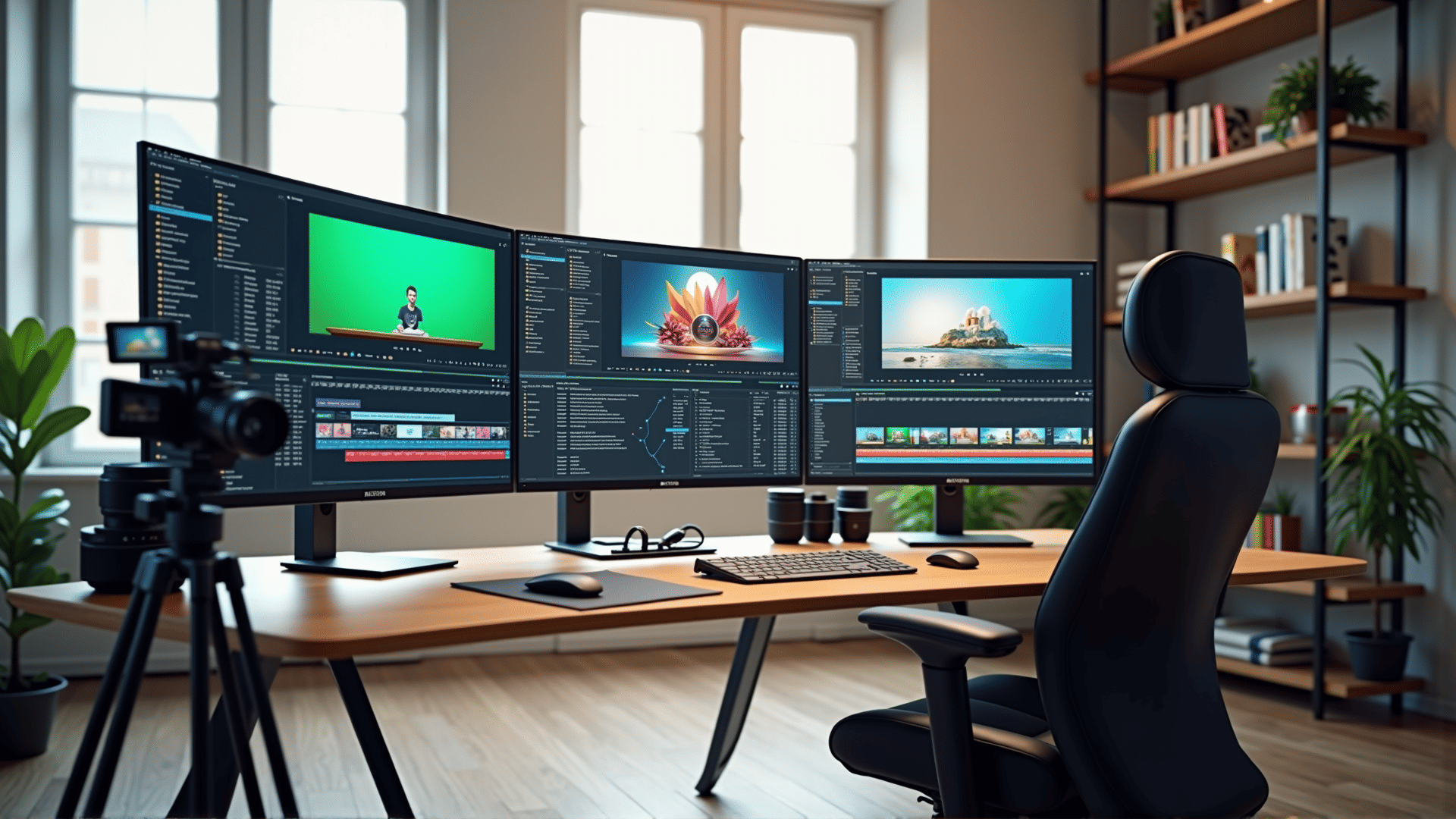
Exploring the world of visual storytelling has become more accessible with the rise of various editing tools. These applications and programs are designed to cater to different needs, ranging from basic adjustments to advanced cinematic effects. By understanding their features, you can significantly enhance your creative projects.
Basic Editing Features
Most tools offer basic functionalities such as trimming, cropping, and adjusting the pace of your footage. These essential features allow you to refine your clips by removing unnecessary parts and focusing on the most engaging moments. Look for intuitive interfaces that let you apply changes effortlessly.
Transitions and Effects
To create fluid and engaging narratives, use transitions and effects. Many tools provide a library of preset transitions, such as fades, wipes, and dissolves, which help to blend clips seamlessly. Additionally, built-in effects can transform your footage by enhancing colors, adding filters, or creating unique visual styles.
Audio Controls
Audio is a crucial component of any video. Effective tools offer comprehensive audio controls, allowing you to balance sound levels, add background music, or incorporate sound effects. Some applications also feature noise-reduction tools, ensuring that your audio remains clear and free of distractions.
Multitrack Editing
For complex projects, multitrack editing enables you to layer different elements, such as video clips, audio files, and images. This feature allows you to build dynamic compositions by overlapping and synchronizing various media components smoothly.
Color Correction and Grading
Advanced visual projects often require color correction and grading. These features help adjust the overall color balance, contrast, and brightness of your footage, ensuring consistency and enhancing the visual appeal. With color grading, you can establish a specific mood or tone by manipulating colors extensively.
Export Options
After creating your masterpiece, choose the right export options. Tools typically offer a range of formats and resolutions, ensuring compatibility with various platforms and devices. Selecting the optimal settings will ensure that your video retains its quality across different viewing environments.
Learning Resources
To maximize the potential of editing tools, explore available educational resources. Many platforms provide tutorials and forums where you can learn new techniques and stay updated on the latest features and trends. This ongoing learning will enable you to continuously improve your skills and keep your work relevant.
Conclusion
With a plethora of video editing options available, understanding the features of different tools allows you to select the ones that best fit your creative vision. By mastering basic and advanced functionalities, you can elevate your storytelling and produce captivating content that resonates with your audience.